LibreVerse Resources: Launchpad
NAVIGATION ESSENTIALS
Getting around the LibreVerse and Getting Help!
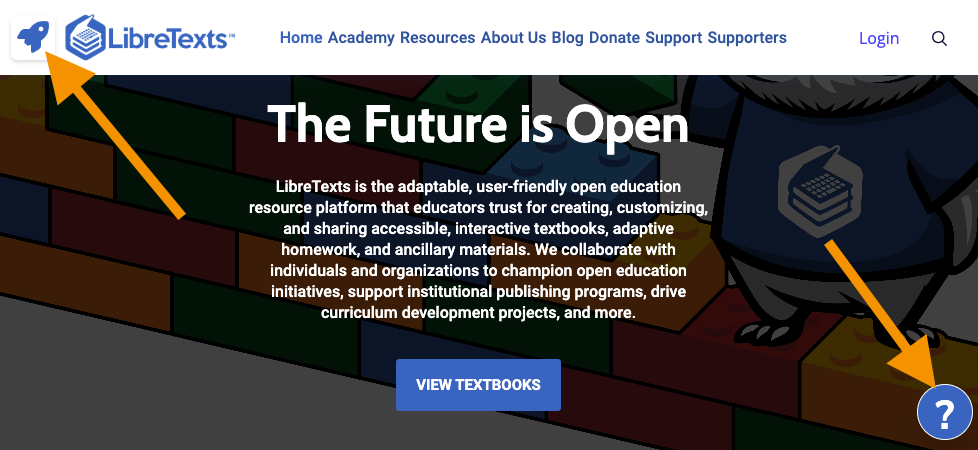
Use this icon in the upper-left corner of every page in the LibreVerse to return here and to navigate across platforms on the LibreVerse from textbooks to homework, to authoring tools!
If you ever have a question, we recommend looking at the bottom right corner of the screen. If you see a blue circle with a white question mark - submit a question using that button so we know what page you were looking at when you had your question! Otherwise, you can visit the Support Center for help and to follow-up on prior questions.